
Why Every Monterey Business Needs a Mobile-Friendly Website
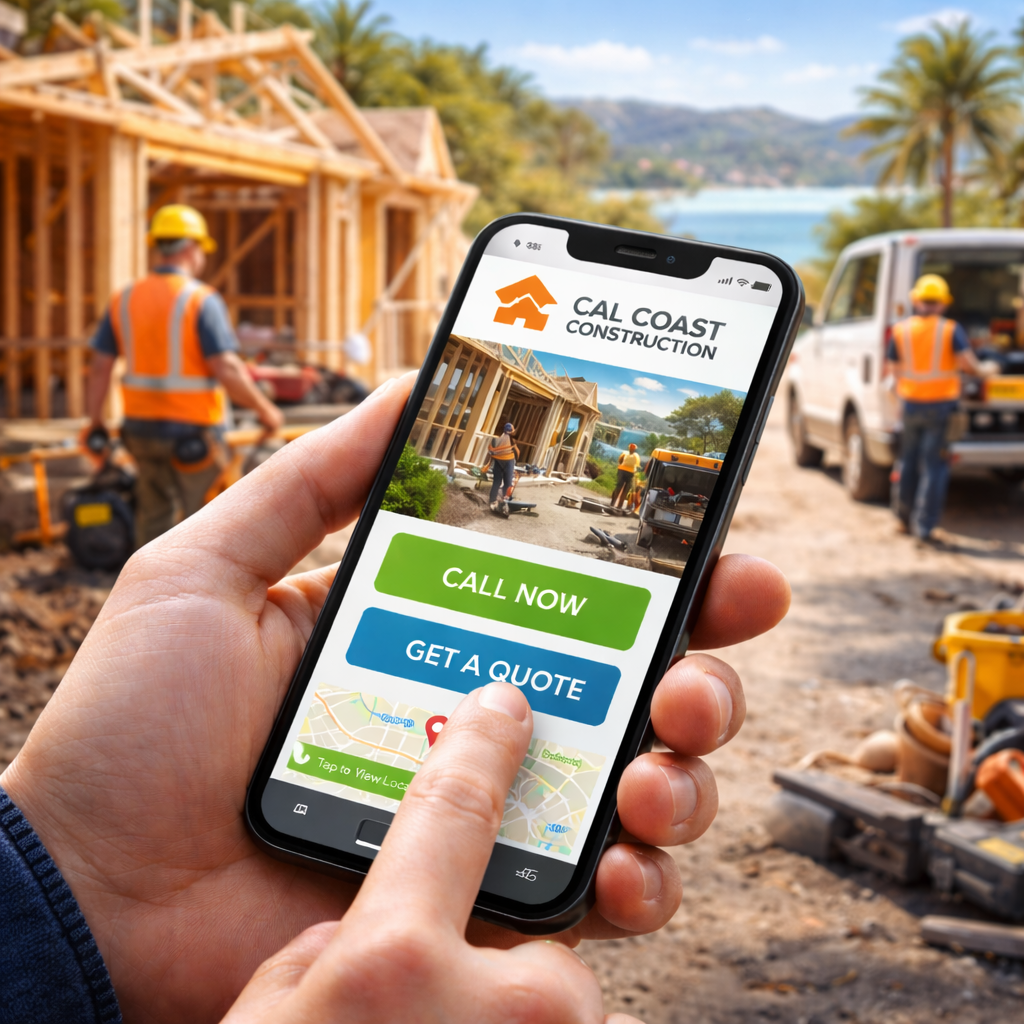
If your website isn’t mobile-friendly, you could be losing customers every single day — and you might not even know it.
Think about how people search today. A tourist walking down Cannery Row looking for a restaurant, a homeowner in Seaside searching for a plumber, a local contractor looking up material suppliers — all of them are doing it on their phones. If your website loads slowly, displays incorrectly, or is hard to navigate on a small screen, they’ll leave immediately and call a competitor who made it easier.
This guide explains why mobile-friendly design matters for Monterey businesses, how it directly affects your Google rankings, and exactly what you can do to fix it.
What Does “Mobile-Friendly” Actually Mean?
A mobile-friendly website automatically adjusts to fit the screen it’s being viewed on — whether that’s a smartphone, a tablet, or a desktop computer. This is called responsive design.
A site that’s not mobile-friendly forces phone users to pinch, zoom, scroll sideways, and tap on tiny buttons. Most people won’t bother. They’ll simply leave.
Signs Your Website Is Mobile-Friendly
• Text is easy to read without zooming
• Buttons and links are large enough to tap with a thumb
• Pages load in under 3 seconds on a mobile connection
• Navigation is simple and works with one hand
• Your phone number is tappable and connects a call instantly
Signs Your Website Is Not Mobile-Friendly
• Visitors have to zoom in to read text
• Buttons are too small or too close together to tap accurately
• The page takes 5+ seconds to load
• Your menu is difficult to open or use on a small screen
• Content gets cut off or requires horizontal scrolling
Why Mobile Usability Matters More in Monterey
Monterey has a unique mix of people searching online, and most of them are doing it on their phones. Understanding who is searching — and why — helps explain why mobile performance has such a direct impact on local businesses here.
The Three Types of Mobile Searchers in Monterey
Tourists searching immediately:
A visitor walking down Cannery Row searches “best seafood restaurant near me.” They tap the first result that looks trustworthy. If your site loads slowly or the menu is hard to read, they close it and try the next one. That’s a lost customer who was standing within walking distance of your door.
Locals searching with urgency:
A Monterey homeowner notices a leaking pipe on a Sunday morning and searches “emergency plumber near me.” They need a number to call, fast. If your contact information is buried three clicks deep or your site takes six seconds to load, they’ve already called your competitor.
Professionals searching on the go:
A contractor between jobs searches for a local supplier or subcontractor. They’re on a job site with spotty reception. A slow, hard-to-navigate website means they move on immediately to whoever loads fastest.
In each of these situations, your website’s mobile performance determines whether you get the call or your competitor does.
Mobile Searches Have High Purchase Intent
People searching on their phones are usually ready to act right now. They’re not doing casual research — they’re looking for a business to contact, a number to call, or a place to visit.
This is especially true in local service industries. Someone searching “roof repair Monterey” on their phone during a storm is not comparison shopping. They want to call someone immediately. If your site doesn’t make that easy, that opportunity goes to whoever does.
A mobile-friendly website with a prominent click-to-call button is one of the simplest, highest-impact improvements a local service business can make to its online presence.
How Google’s Mobile-First Indexing Affects Your Rankings
Google now evaluates your mobile website first when deciding how to rank your business in search results. This is called mobile-first indexing, and it has been Google’s standard practice for several years.
What this means in practice: if your desktop site looks polished but your mobile version is slow or hard to use, Google treats the mobile version as the real representation of your site — and ranks you accordingly.
What Google Measures on Mobile
Google uses a specific set of performance metrics called Core Web Vitals to evaluate mobile experience.
You don’t need to memorize the technical names, but it helps to understand what Google is measuring:
• Loading speed: How quickly the main content of your page appears
• Visual stability: Whether the page jumps around as it loads (frustrating on mobile)
• Interactivity: How quickly the page responds when a user taps a button or link
Poor scores in any of these areas signal to Google that your site delivers a bad experience — which pushes your rankings down, even if everything else about your SEO is solid.
How Mobile Performance Directly Impacts Your SEO
Mobile usability isn’t just about user experience — it’s a direct ranking factor. Here’s how a poor mobile experience hurts your visibility in Google search results:
• Page speed: Sites that load slowly on mobile rank lower. Google has confirmed that speed is a ranking signal, particularly for mobile searches.
• Bounce rate: When visitors leave your site immediately without clicking anything, Google interprets that as a signal that your site didn’t satisfy their search. High bounce rates from mobile users drag down your rankings over time.
• Engagement: Visitors who stay on your site, navigate between pages, and interact with your content send positive signals to Google. A poor mobile experience prevents this from happening.
• Local search performance: Mobile-friendly sites rank better in local search results and the Google Maps 3-Pack — which is where most local customers find businesses.
If your business is investing in SEO services to improve your search visibility, a poor mobile experience is one of the most common reasons those efforts stall. SEO and mobile performance have to work together.
The 3-Second Rule: Why Page Speed Is Everything on Mobile
Mobile users expect fast results. Research by Google consistently shows that most visitors abandon a page if it takes more than three seconds to load — and the longer the wait, the worse the drop-off.
| Load Time | What Happens |
|---|---|
| Under 2 Seconds | Strong user experience. Visitor stays and engages. |
| 3 Seconds | Many users abandon the page. Bounce rate rises. |
| 5+ Seconds | Most visitors are gone. Google notices the pattern. |
| 7+ Seconds | Only a small fraction of visitors remain. Rankings drop. |
Example: A Monterey roofer gets a potential customer during a rainstorm. The customer searches, finds the site, and waits. Four seconds pass. They hit the back button and call the next roofer. Speed is not a technical detail — it’s revenue.
Designing for Thumbs: Mobile User Experience Basics
Mobile users navigate with their thumbs, not a mouse. If your website was designed primarily for desktop use, it almost certainly has usability problems on a phone that are costing you leads.
Common Mobile UX Problems
• Buttons too small to tap accurately
• Links too close together, causing accidental taps
• Navigation menus that are hard to open or close
• Contact forms that are difficult to fill out on a touchscreen
• Phone numbers that are plain text instead of tappable links
What Good Mobile UX Looks Like
• Large, clearly labeled buttons that are easy to tap
• Simple navigation with a maximum of five or six menu items
• A phone number at the top of every page that dials automatically when tapped
• Short contact forms that ask only for essential information
• Plenty of white space so the page doesn’t feel cluttered on a small screen
Getting mobile UX right requires more than just making your site “responsive.” It means designing the experience with phone users in mind from the start. This is one of the most valuable things professional website design services can provide.
Click-to-Call: The Feature That Turns Visitors Into Leads
One of the biggest advantages of a properly built mobile website is frictionless contact. When a potential customer on their phone sees your number and can dial it with a single tap, the barrier between “interested” and “calling” drops to almost nothing.
This sounds simple, but many local business websites still display phone numbers as plain text that can’t be tapped on mobile. The fix is straightforward: ensure your phone number is formatted as a tappable link on every page.
Beyond click-to-call, a strong mobile site also includes a short and simple contact form, a visible address with a link that opens in Google Maps, and clear business hours. All of these reduce the friction between a visitor and a new customer.
Example: A Monterey electrician whose phone number appears as a tappable button at the top of every page will consistently outperform a competitor whose number is buried in a footer or displayed as an image.
Mobile Websites and Google Maps Rankings
Your website and your Google Business Profile work together to determine your visibility in Google Maps results. If your site performs poorly on mobile, it can drag down your local map ranking — even if your Google Business Profile is well-optimized.
Google wants to send searchers to businesses that offer a good experience from the first click to the final conversion. A slow or hard-to-use website signals that your business may not deliver that experience — and Google adjusts your ranking accordingly.
For businesses investing in Google Business Profile optimization or local map listing improvements, your website’s mobile performance is one of the most important supporting factors. Both need to work well together for maximum local visibility.
Mobile Self-Audit Checklist for Monterey Businesses
Not sure whether your website is mobile-friendly? Here’s a quick checklist you can run through right now using your phone.
Check on Your Phone
• Open your website on your smartphone and time how long it takes to fully load
• Is the text readable without zooming?
• Can you tap buttons and links easily without accidentally hitting the wrong one?
• Is your phone number visible within the first few seconds — and does tapping it start a call?
• Is there a clear next step on every page (call now, get a quote, contact us)?
Test Key Actions
• Call your business from your website and make sure it works
• Submit your contact form and confirm you receive the submission
• Tap your address to make sure it opens in Google Maps
Use Google’s Free Tool
Google offers a free Mobile-Friendly Test that evaluates your website and identifies specific usability issues. Search “Google Mobile-Friendly Test” and enter your website URL. It takes about 30 seconds and gives you a clear pass or fail along with specific recommendations.
If any part of this checklist reveals a problem, your site needs attention. The good news is that most mobile issues are fixable without rebuilding your entire website from scratch.
How to Fix a Website That Isn’t Mobile-Friendly
If your site failed the checklist above, here’s a practical roadmap for what to do next.
Step 1: Evaluate Your Current Site
Start with Google’s Mobile-Friendly Test and Google’s PageSpeed Insights tool (also free). Both will identify your biggest performance problems and rank them by severity. This gives you a clear starting point instead of guessing.
Step 2: Upgrade to Responsive Design
If your site was built more than five years ago using an older fixed-width layout, it may not be capable of adapting to mobile screens. Responsive design is the modern standard — it means your site automatically adjusts its layout to fit any screen size. A web developer or agency can assess whether your current site can be updated or whether a rebuild is the more cost-effective solution.
Step 3: Improve Page Speed
The most common causes of slow mobile load times are oversized images, too many installed plugins, and unoptimized code. Compressing images before uploading them is the fastest win for most local business websites. Your hosting provider also plays a role — cheap hosting often means slow load times regardless of how well your site is built.
Step 4: Simplify Navigation
Review your website menu and ask: can a visitor find what they need in one or two taps? Aim for a maximum of five or six menu items. Remove anything that doesn’t serve a clear purpose for a customer on their phone. The goal is to get them to your services or contact information as fast as possible.
Step 5: Add Mobile Conversion Features
Make sure every page has a tappable phone number, a simple contact form, and a clear call-to-action button. These are the features that turn mobile visitors into actual leads. If they are missing or hard to use, even a fast and well-designed site will underperform.
Working with a team that specializes in website design for Monterey businesses can help you implement all of these changes efficiently — and ensure your site is built to perform from day one rather than requiring ongoing fixes.
Frequently Asked Questions
Do mobile-friendly websites really affect SEO rankings?
Yes — significantly. Google uses mobile-first indexing, which means it evaluates your mobile site to determine your ranking position. It also measures Core Web Vitals — specific mobile performance metrics including loading speed, visual stability, and interactivity. Poor mobile performance directly lowers your rankings, even if the rest of your SEO work is solid.
How do I know if my website is mobile-friendly?
The fastest way is to open your website on your own smartphone and try to use it as a customer would. Can you read the text, tap the buttons, and find your phone number easily? You can also use Google’s free Mobile-Friendly Test tool — search “Google Mobile-Friendly Test,” enter your URL, and get a result in about 30 seconds.
What is responsive web design?
Responsive design is a website development approach where the site’s layout automatically adjusts to fit the screen it’s being viewed on — whether that’s a phone, tablet, or desktop monitor. It’s the modern standard for website design and what Google expects. A site without responsive design will almost always have mobile usability problems.
How fast should my website load on mobile?
Google recommends a target of under 2.5 seconds for the main content to appear on mobile. Under 3 seconds is generally considered acceptable; anything beyond that begins to meaningfully increase the number of visitors who leave before your page finishes loading. Page speed is one of the most direct levers you can pull to improve both user experience and search rankings.
Can my existing website be made mobile-friendly, or do I need a new one?
It depends on how your current site was built. Many modern websites built on platforms like WordPress, Squarespace, or Wix can be updated to be mobile-friendly without a full rebuild — often by switching to a responsive theme and optimizing images and plugins. Older sites built on outdated frameworks may be more cost-effective to rebuild than to fix. A professional review of your current site can give you a clear recommendation.
How much does it cost to make my website mobile-friendly?
Costs vary widely depending on what your current site needs. Simple fixes like image compression and enabling a responsive theme can be relatively low-cost. A full redesign or rebuild for a local service business typically ranges more broadly depending on complexity, the number of pages, and the agency or developer you work with. The more relevant question is what it’s costing you not to fix it — in missed calls, lost leads, and lower rankings.
Conclusion
A mobile-friendly website is no longer a nice-to-have — it’s the baseline for competing in local search. In Monterey, where tourists, homeowners, and professionals are all searching on their phones throughout the day, your website’s mobile performance directly determines how many of those searches turn into calls.
If your site is slow, hard to navigate on a phone, or missing basic features like a tappable phone number, you’re losing business to competitors whose sites simply work better.
The good news is that these issues are fixable. Start with the self-audit checklist above, run Google’s free Mobile-Friendly Test, and identify your biggest gaps. Even a few targeted improvements can meaningfully increase the number of visitors who turn into leads.
Want to Know How Your Website Performs on Mobile?
Most local business websites have mobile issues their owners don’t know about — slow load times, broken navigation, missing click-to-call buttons, or layouts that frustrate phone users before they ever read a word.
Oceanfront SEO offers a free mobile website audit for Monterey businesses. We’ll review your site’s load speed, mobile usability, and local search performance — and show you exactly what to prioritize to start converting more of your mobile visitors into customers.
Contact Oceanfront SEO today to request your free mobile website audit. No obligation — just a clear picture of where your site stands and what’s worth fixing first.